
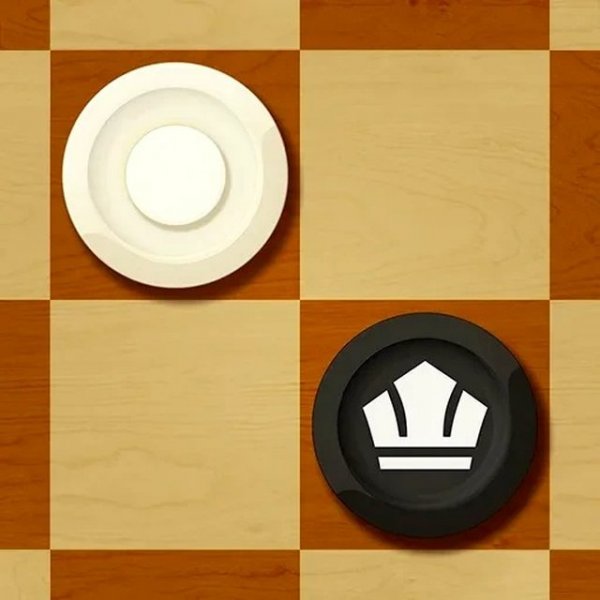
English Checkers Online Game
Reviews
English Checkers delivers a polished and engaging experience for players of all skill levels. The game supports multiple modes, including play with computer, online multiplayer, and local two-player, making it versatile for any situation. The interface is clean and intuitive, and the full-screen support enhances gameplay on any device. It's a safe, non-violent game perfect for family fun.
About this game
Game Introduction
English Checkers, also known as Draughts, is a classic board game that brings timeless fun to players of all ages. The game follows traditional checkers rules where pieces move diagonally forward. To capture an enemy piece, simply jump over it. When a piece reaches the opposite end of the board, it becomes a king, gaining the ability to move in any direction and capture multiple enemy checkers in one turn. The goal is to capture or block all enemy pieces so they cannot move. This family-friendly game is perfect for kids and adults, offering a safe and engaging experience.
How to Play
Click on the '?' icon on the right to read detailed instructions. Regular checkers move forward diagonally. To capture an enemy piece, jump over it. If your piece reaches the opposite end of the board, it becomes a king, which can move in any direction and capture several enemy checkers at once. To win, capture or block all enemy pieces so they cannot make moves. For PC play, choose 'Play with computer.' For battles with others, open 'Play online.' To play with a friend online, click 'Play online with friends' and create a room. For two players on one PC, click 'Play together.'
Game Features
Family-friendly, cross-platform, full-screen support.
Tips for Success
Focus on advancing your pieces to the back row to create kings, as kings are more powerful. Try to control the center of the board to limit your opponent's moves. Plan ahead and think about your opponent's possible responses. Practice regularly to improve your strategic thinking and pattern recognition.
Leave a comment